
Quiet Wall
A dopamine detox timer for iPhone.
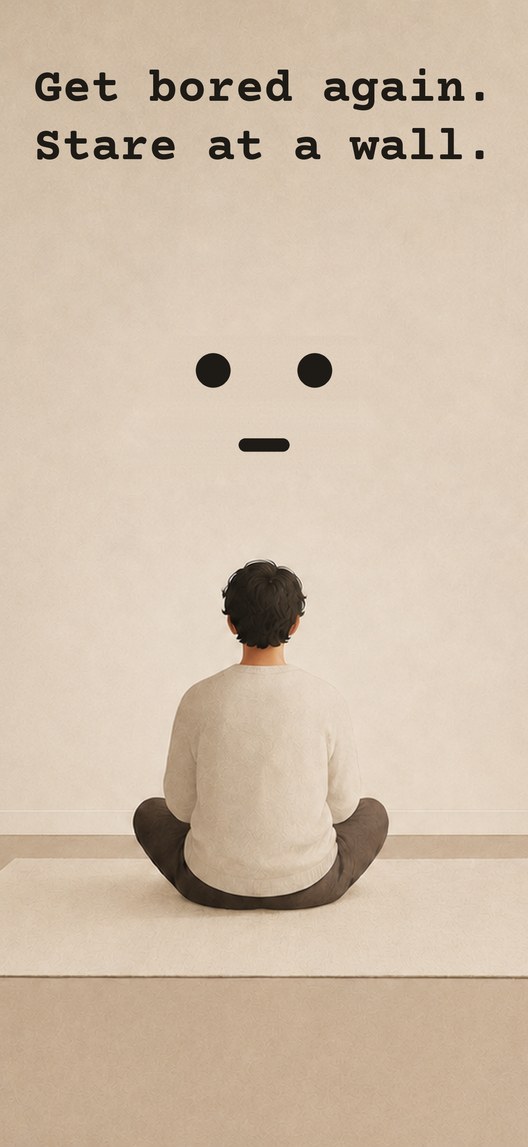
Learn to be bored again.
No music, no screen, no input at all.
Alone
with your thoughts.
Do nothing on purpose
Boredom used to arrive by itself. A queue, a bus, five minutes early for something. It stopped arriving once there was always something to look at, and we think it is worth putting back deliberately rather than waiting for a gap that no longer comes.
How it works
- Find a wall.
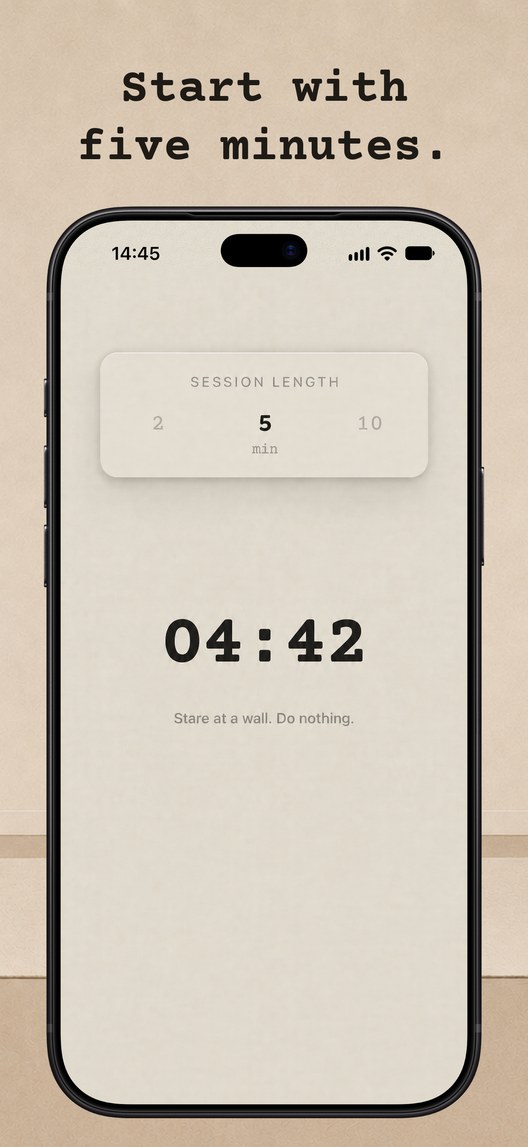
- Set a timer.
- Put the phone down.
- Do nothing.
A sound will bring you back.
What it does
-
Reminders
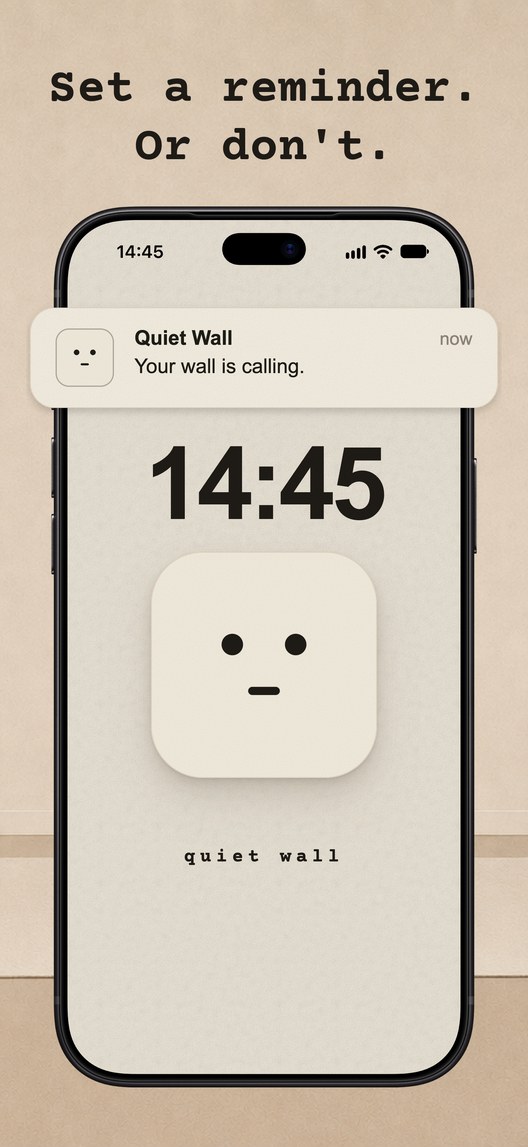
One tap from the notification starts a session; a widget and a Lock Screen control do the same.
-
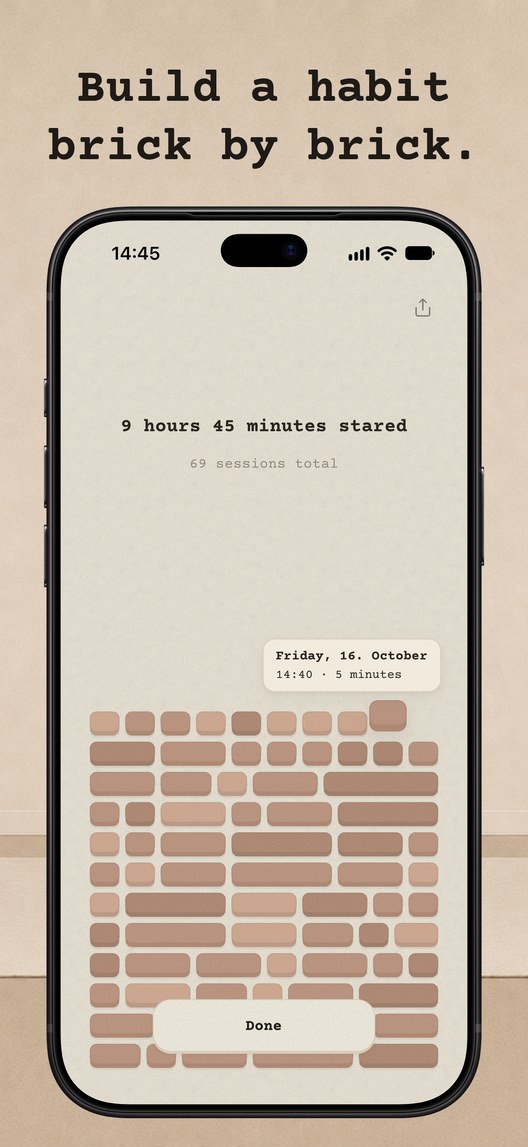
The wall
Every session lays a brick, and none are ever taken away.
-
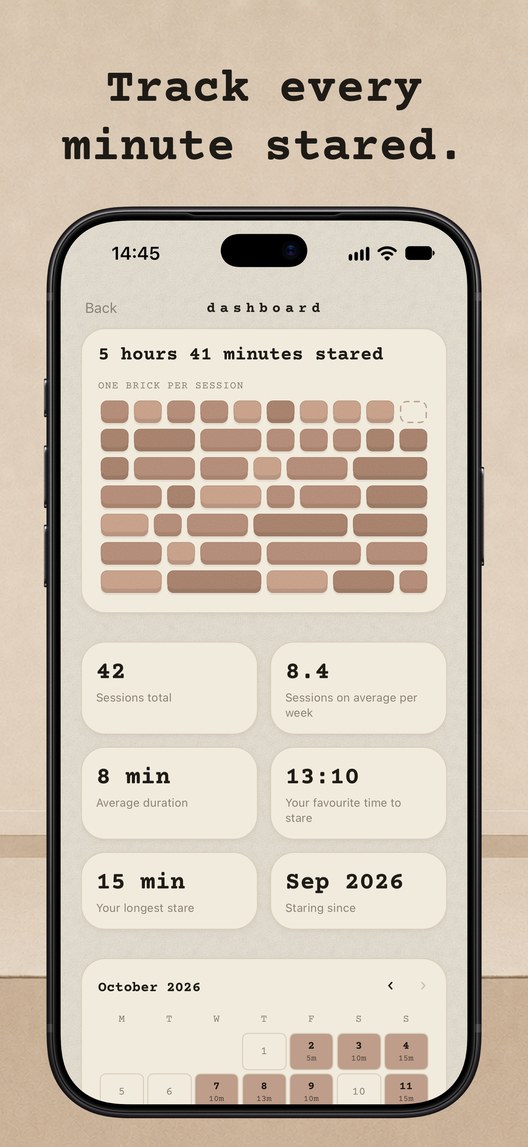
Apple Health
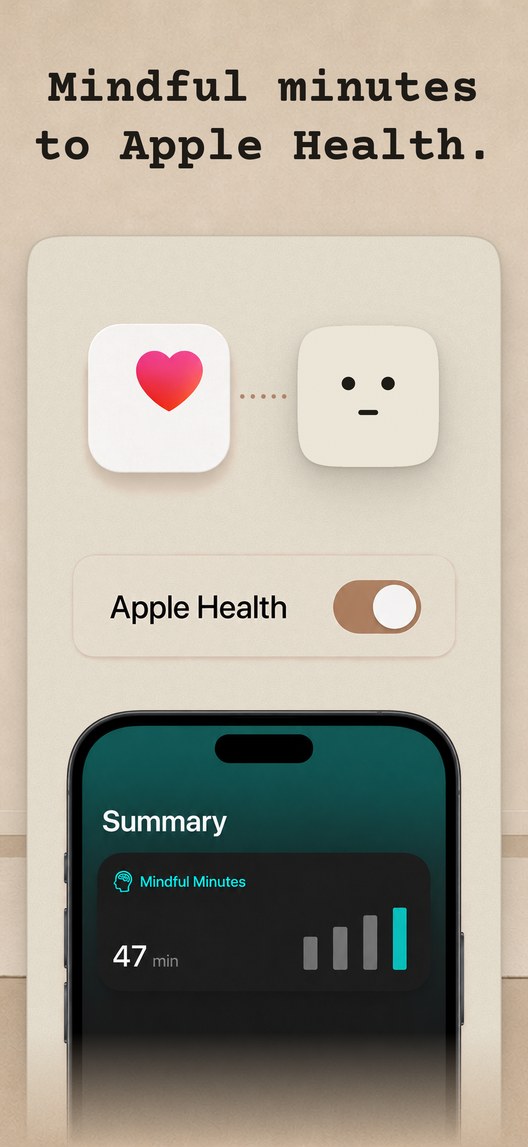
The minutes go to Health as mindful minutes.
-
Blocking · Extras
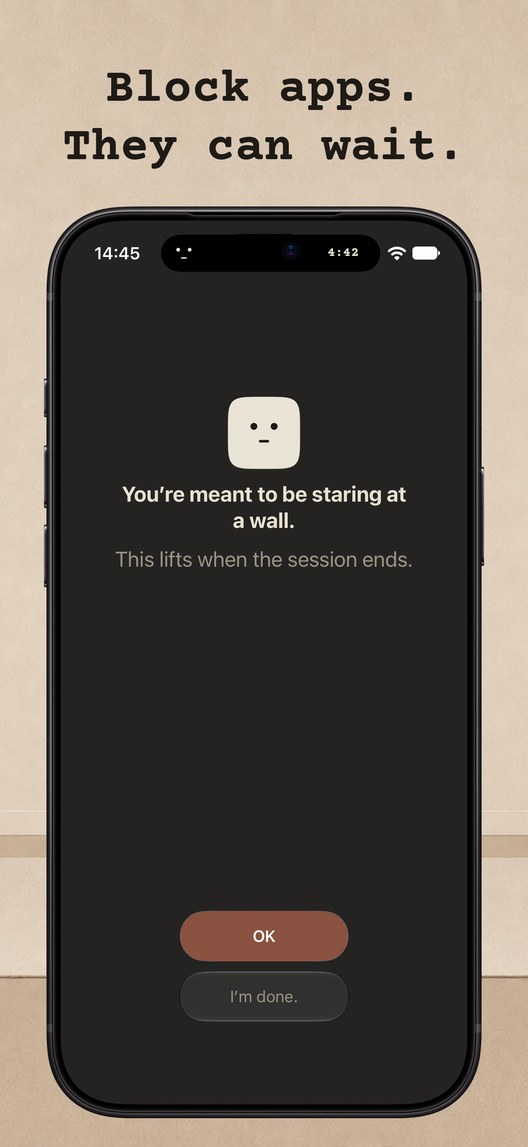
The rest of the phone stays shut until the session ends.
Who it’s for
-
After work
When the day was one screen after another.
-
In the gaps
The queue, the bus, five minutes early, the time that used to be boredom.
-
Mid-scroll
Anyone who reaches for the phone with a film already on.
Where it sits
It lands in the same list as the dopamine detox apps and the digital detox blockers, and it goes further than they do. A blocker removes the apps and leaves everything else exactly where it was — the television, the window, the podcast, the room. Quiet Wall removes the input. Nothing new to look at, nothing to listen to, nothing arriving at all for the length of the session.
Read on
- Dopamine detox — what the quiet is for, and what it is not
- Digital detox — removing the input, not just the apps
- Stare at a wall — why a blank wall, and how to be bored again
- Blog — on doing nothing
- About Quiet Wall — why it exists